
Fast Food Counters
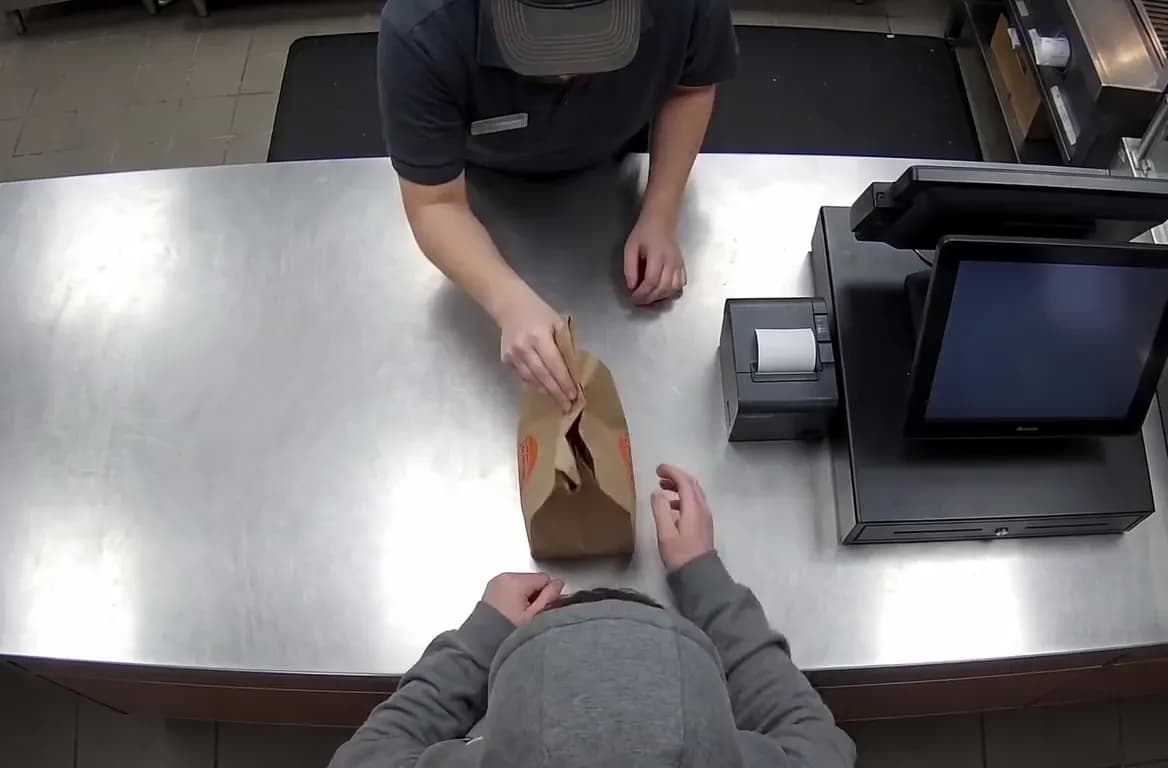
You’re serving a steady line of customers. Vigilessa checks that items on trays match receipts and flags any voided transactions, so you can focus on service, not the till.
 VigilessaNetwork VR Solution
Vigilessa connects your cameras and till for instant peace of mind. See what’s really happening-so you can spend more time with guests, clients or family.
 REC · CAM 02
Vigilessa is designed for busy owners who want to cut interruptions and keep their business running smoothly.
You’re serving a steady line of customers. Vigilessa checks that items on trays match receipts and flags any voided transactions, so you can focus on service, not the till.
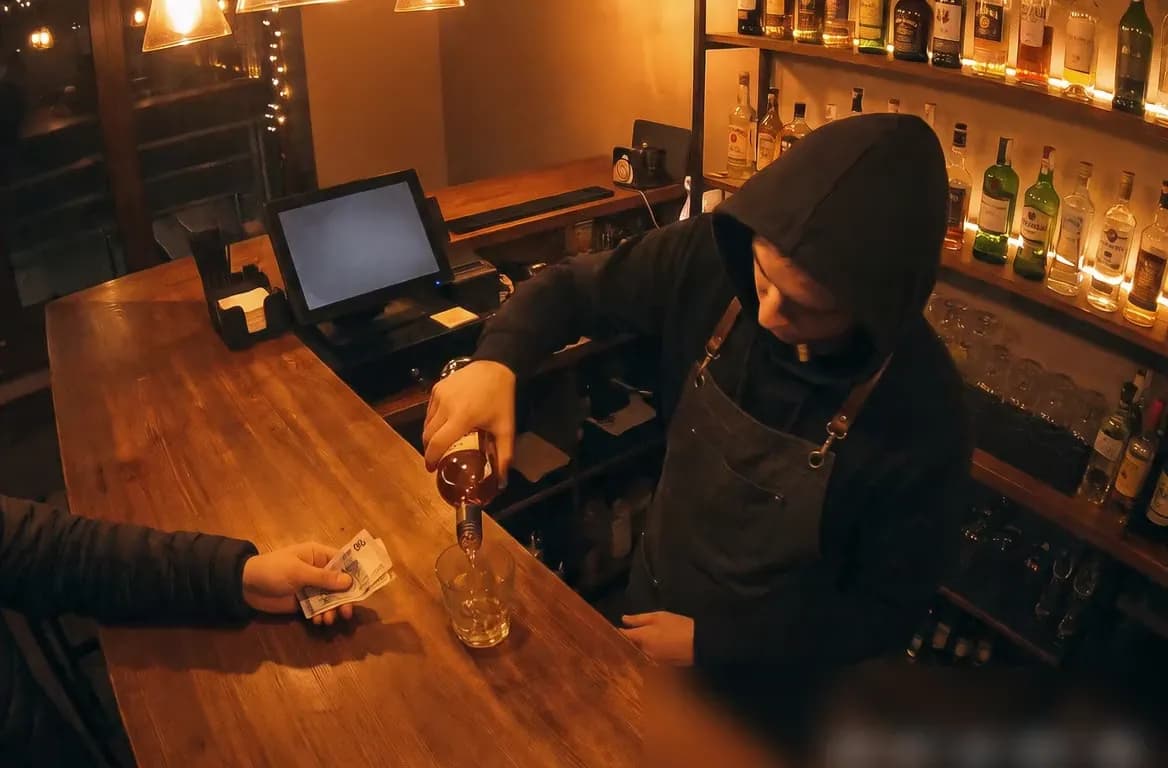
Drinks are poured, orders change, and sometimes the register opens unexpectedly. Vigilessa spots missing receipts or oversized portions, alerting you discreetly while you greet regulars.
Multiple shifts and registers can mean things slip through. Vigilessa ties your cameras to the POS, alerting you instantly if the cash drawer opens without a sale or other anomalies happen.
Key features that help owners stay in control without hovering over every transaction.

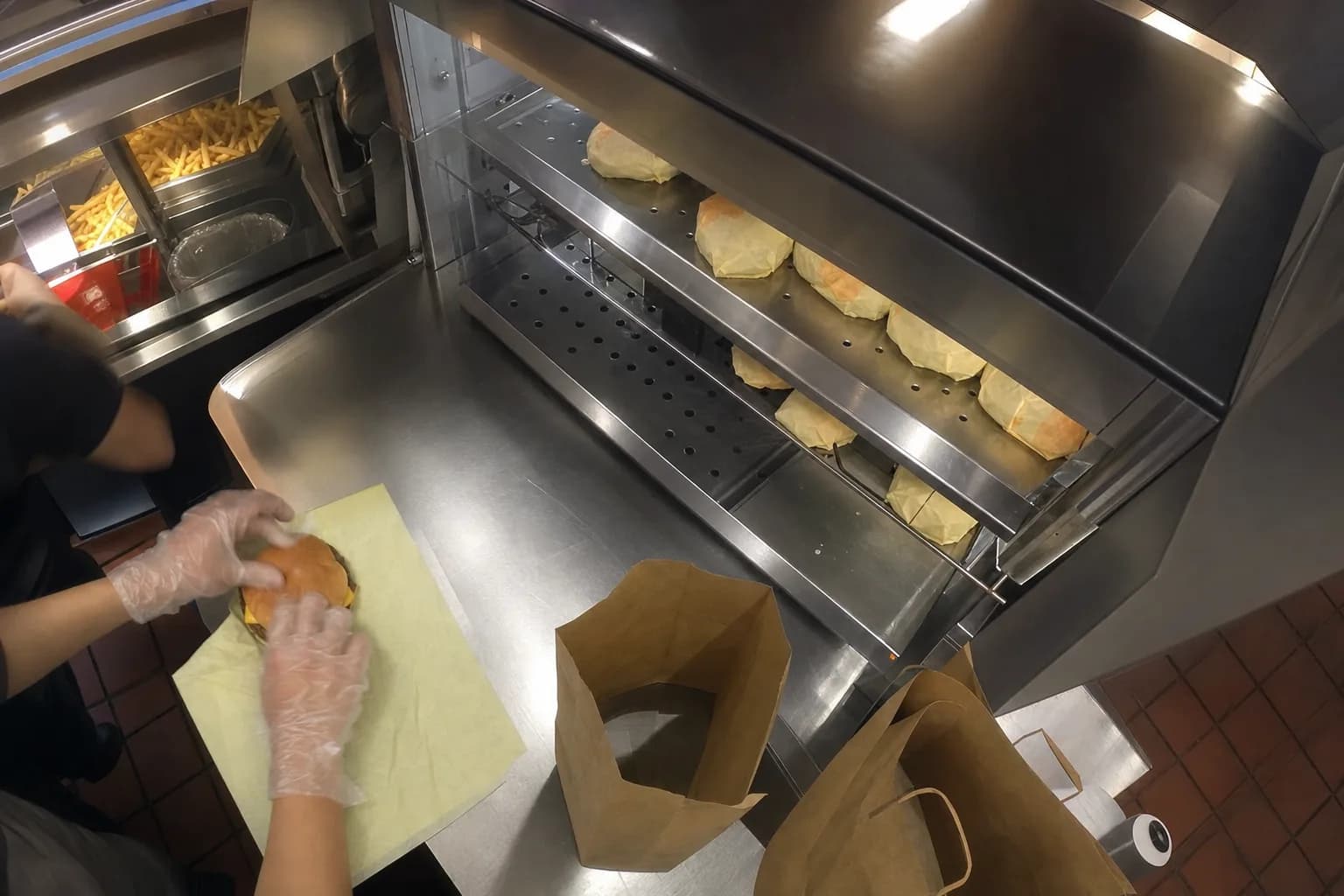
Vigilessa turns your existing cameras into AI agents. It checks if items on the tray actually appear on the receipt and notifies you if something’s missing.
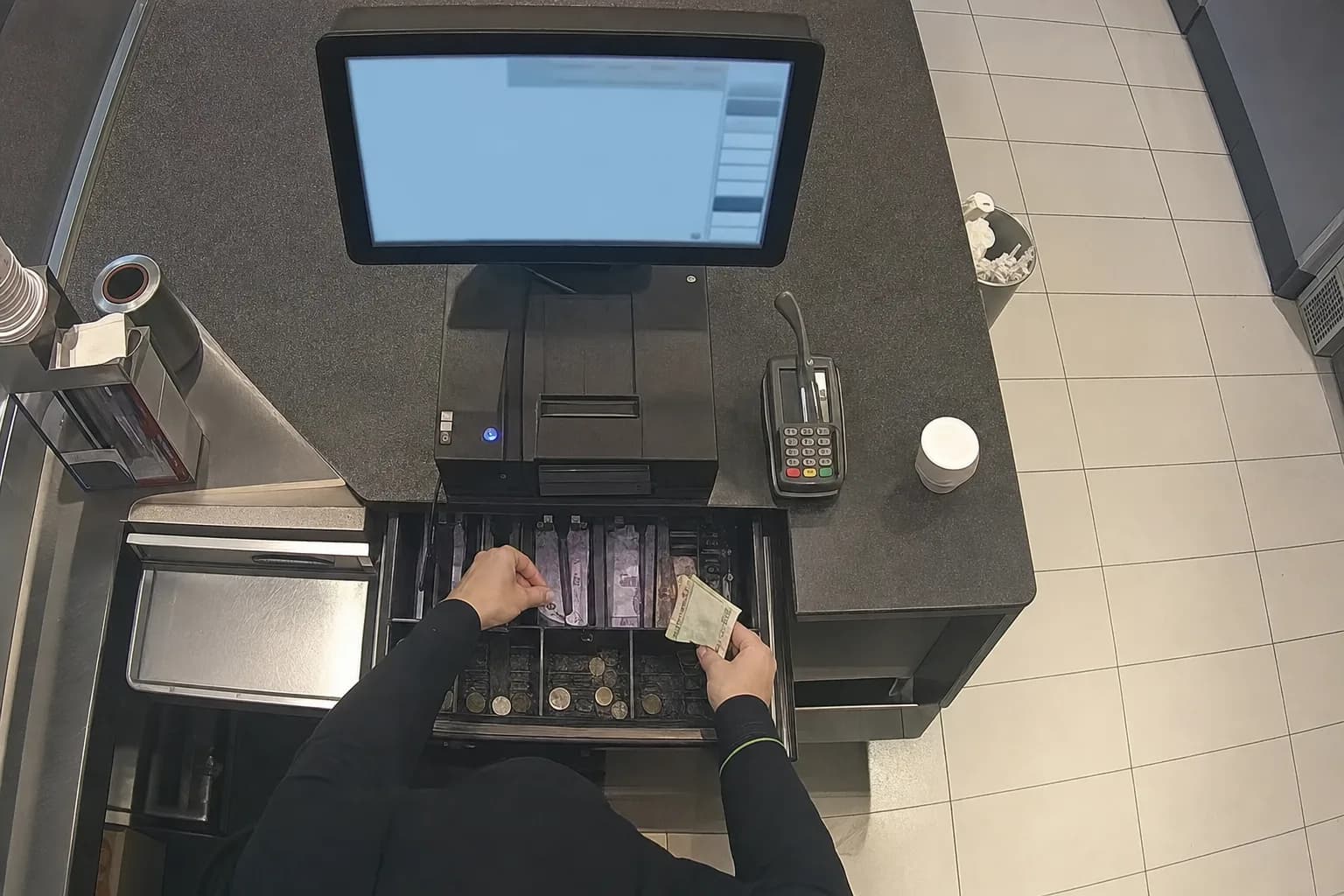
If the cash drawer opens without a sale, or a receipt is voided after payment, Vigilessa sends you a WhatsApp message with the video clip and matching receipt. You see what happened without stepping in.
Get reports by shift, register, and location. Review trends and spot patterns, so you can talk with your team using facts, not hunches.
Getting started with Vigilessa is simple and fits around your routine.
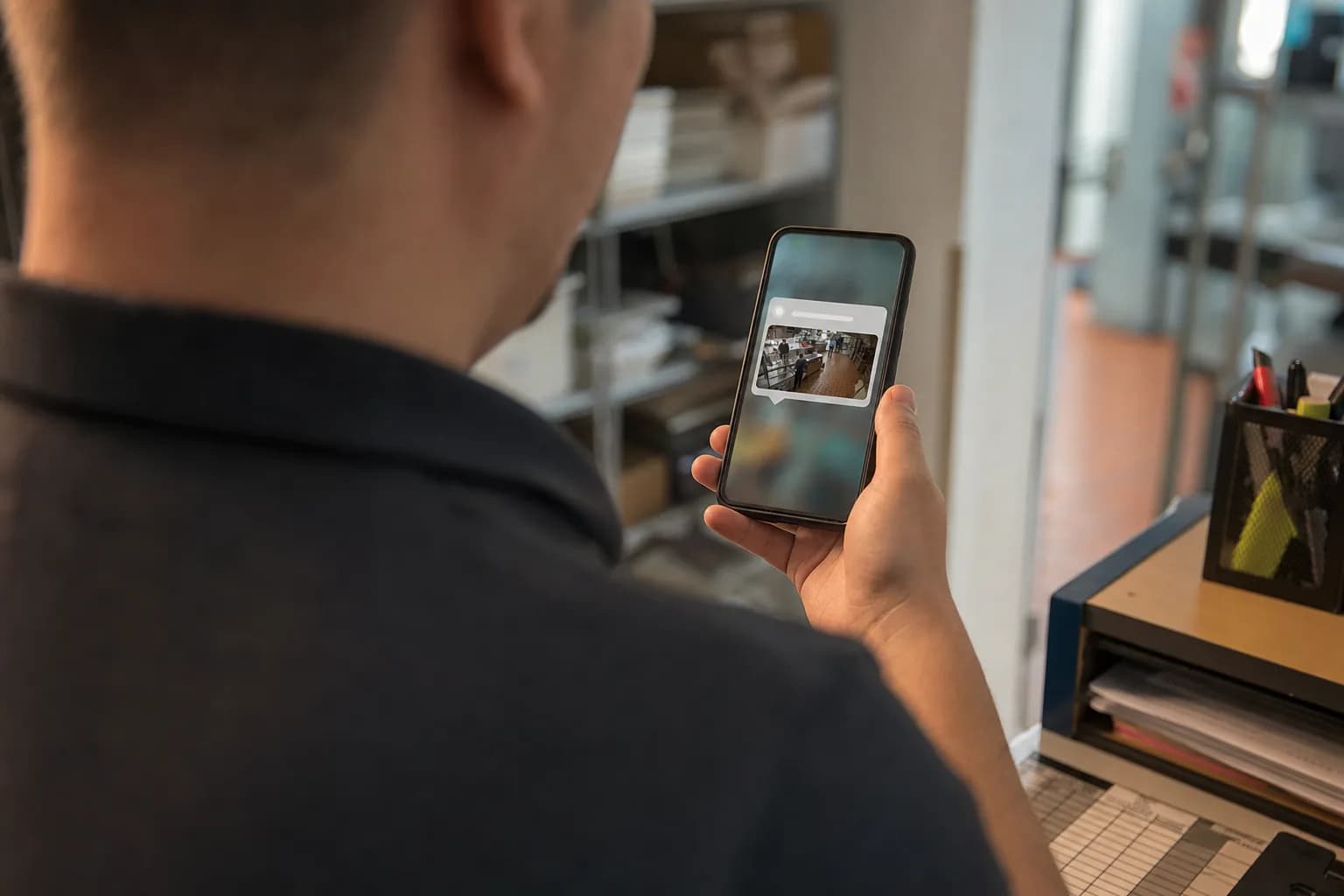
Before you commit, we’ll show you Vigilessa in action using real recordings from your business. No new installations, no guesswork-just a clear picture of what you’ll get.

Vigilessa links the cameras you already use to your point-of-sale system. Most setups don’t require new cameras, just a quick technical check.
Once running, Vigilessa sends alerts right to your WhatsApp if something unusual occurs. For questions, Iris, your AI assistant, is always ready to help by chat or phone.
Monitoring should respect everyone. Vigilessa is built with GDPR-first principles.
Employees are informed about monitoring, with an impact assessment and retention policies in place. You can check national rules with your advisor to make sure everything fits your situation.
VigilessaVigilessa helps you keep an eye on your business without taking you away from what matters. See how it works for yourself.
Request your Vigilessa demo today